The order arrives
already on the sheet.
You know the evening. Open the template, find and replace the order number, upload every photo, drag each one into a square, and hope you remembered which ones go sideways. This does that part for you. Open the order, print at 100%, punch.
Straight answer first: we have measured print sheets for Titan, American Button Machines, Memory Magnets, Enters and Fridge Flair dies today. If you cut on something else, send us your press template and we measure it and add it, free, and we do not leave you waiting. Orders still come in while we do it.
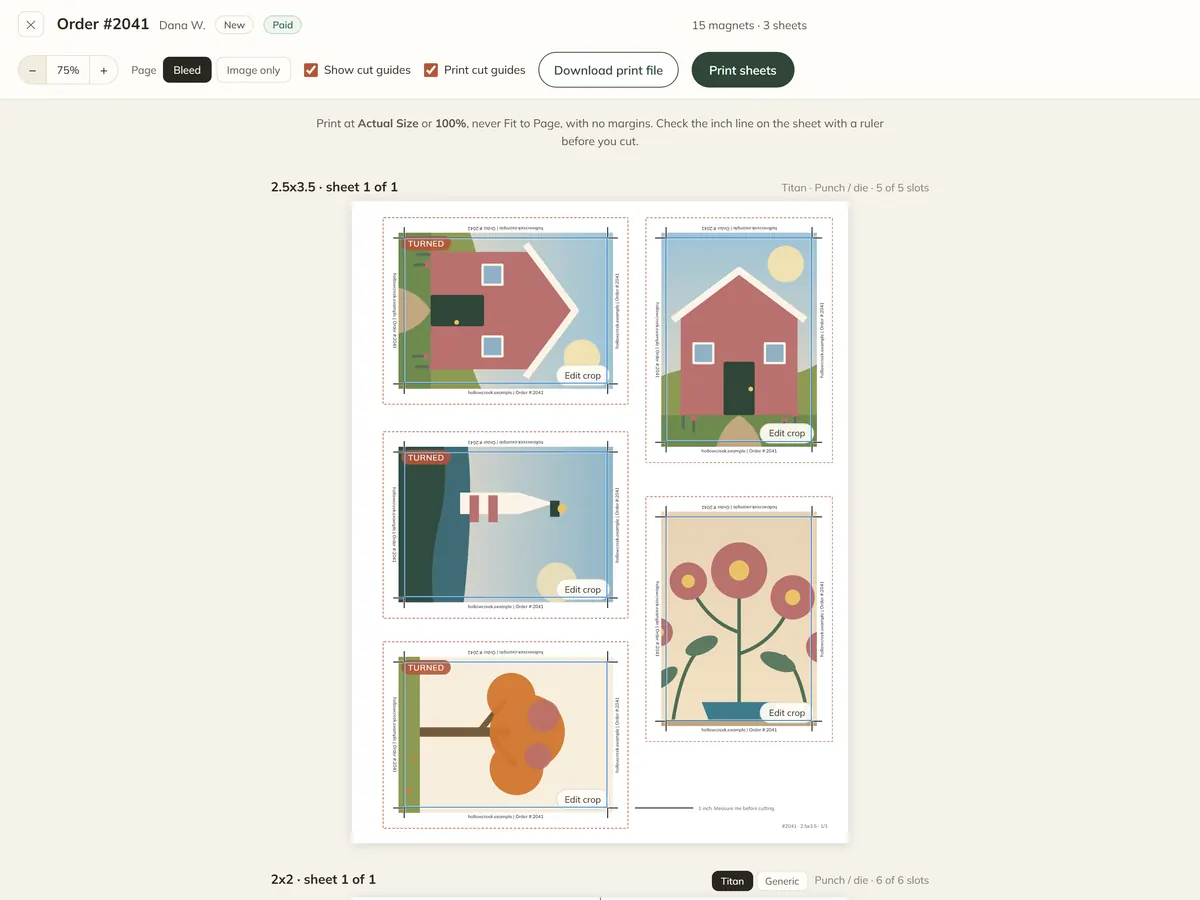
The Canva dance, gone
Not a faster way to do the eight steps. The eight steps stop happening.
- Open the template
- Find and replace the order number
- Find and replace your company name
- Upload every photo
- Drag each one into its slot
- Remember which slots are turned sideways
- Save
- Export a flattened PDF
- Open the order
The slot positions are measured off the real template, one page at a time, never worked out from paper size and magnet size. Twenty 2x2s fit a sheet of Letter geometrically; the Titan punch takes six, in its own places. That is the sort of difference you only find after you have printed and cut a sheet.
What your customer does
They get their own ordering page, on your shop, in your words.
- 1They upload their photos
Straight off a phone. The original is kept exactly as it came, because that is what prints.
- 2They crop each one
Drag to place it, zoom, nudge the brightness. A photo can carry a name on it too, set in type you picked, printed as type rather than baked into the picture.
- 3They pick sizes and how many
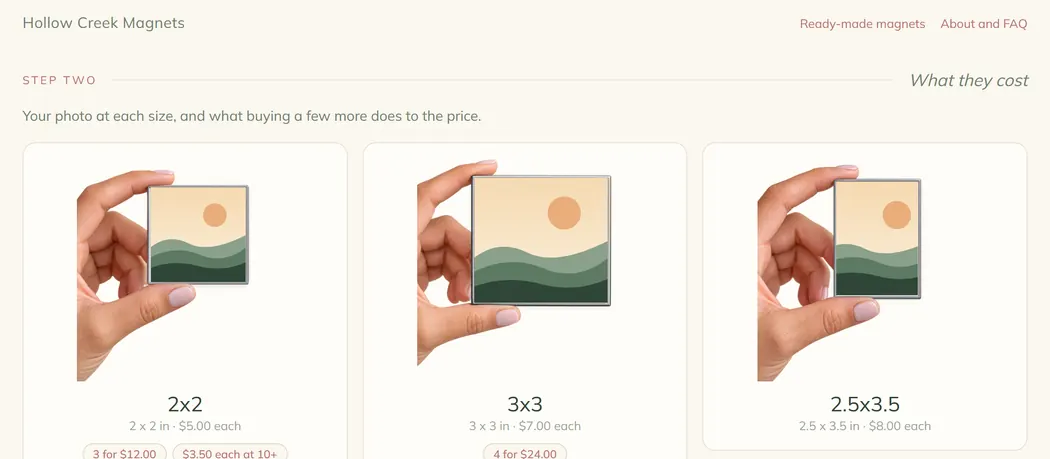
Every size shown at the size it actually is, held in a hand, so a 3x3 looks bigger than a 2x2. Your deals sit beside the size they belong to and apply as they are earned.
- 4They pay and say how they want it
Magnet orders use the payments and the pickup, delivery or shipping your shop already has. Frames, stands and gift boxes can be offered alongside, and only on the sizes they fit.
Every size at the size it really is
Each one held in a hand and drawn at one scale, so a 3x3 genuinely looks bigger than a 2x2 instead of filling the same box. Your deals sit under the size they belong to.
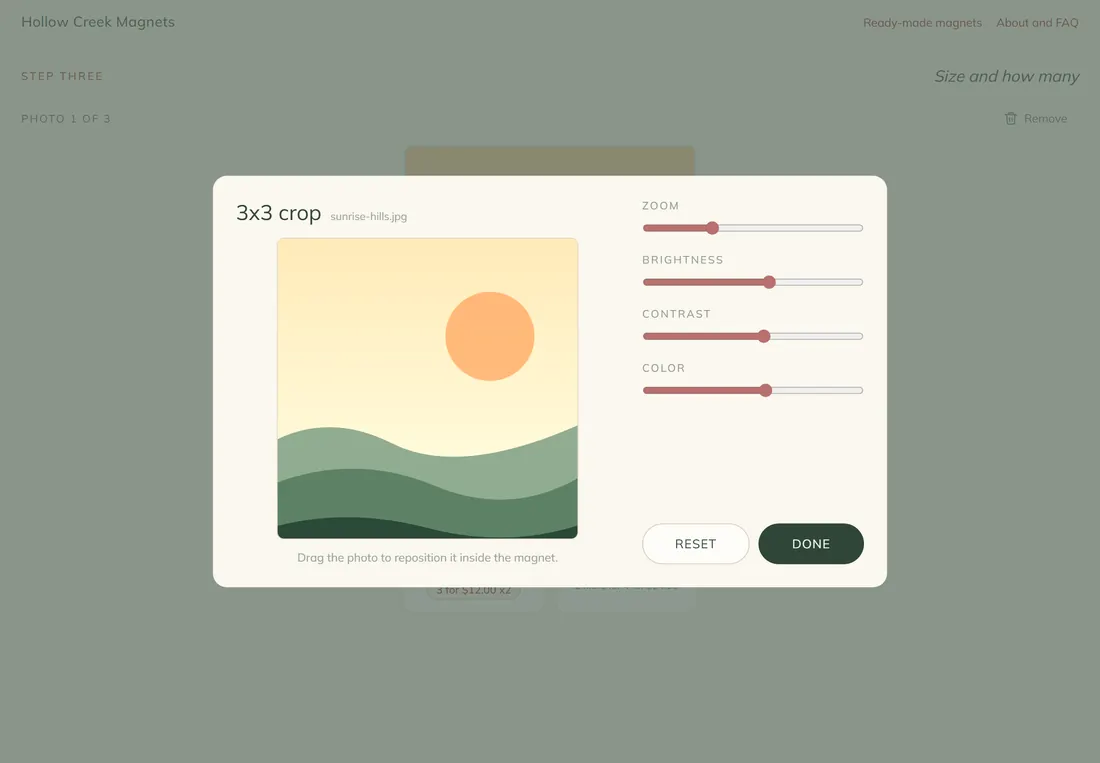
They crop it, so you do not have to
Drag to place the picture, zoom, nudge the brightness. A photo too small to print at the size they picked is refused right there, with a sentence telling them to send the original.
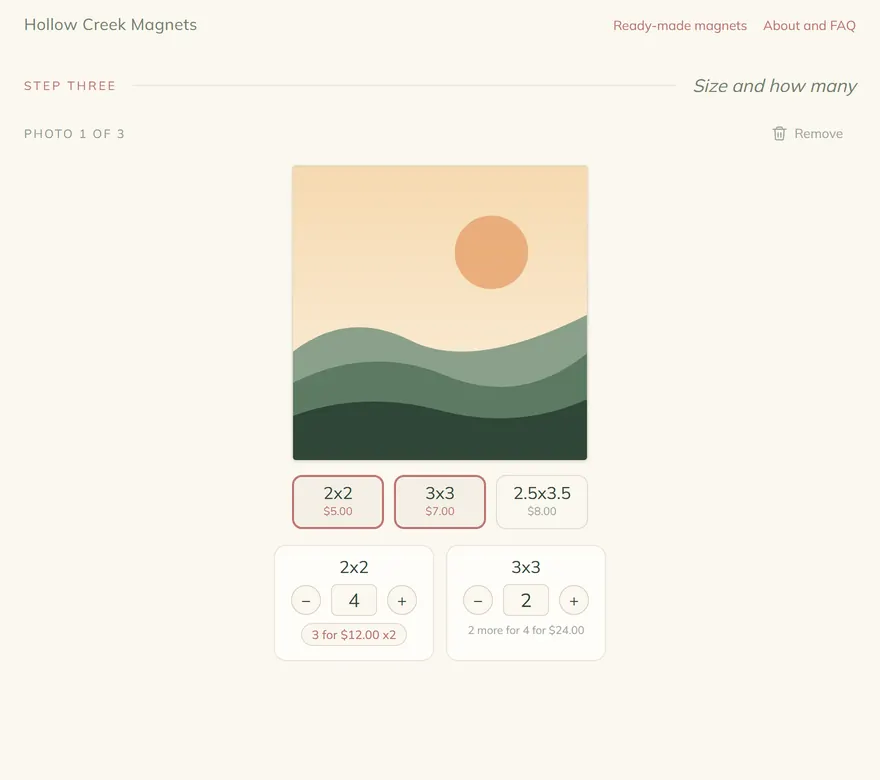
Sizes and how many, one photo at a time
Sizes toggle on and a quantity opens under each. The deal they have already earned is shown beside it, and so is the next one, in the words you wrote it in.
You set how strict the resolution bar is, the smallest order you will take, and the most photos one order may carry.
What you get
The making tool is the point. The rest of it is a whole small business.
Sheets of your own, between orders
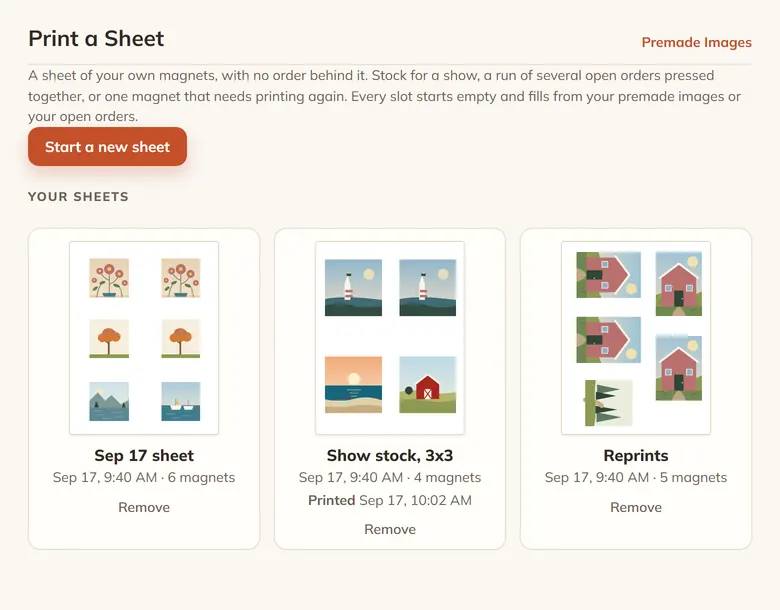
Stock for a show, several open orders pressed together, or one magnet that needs printing again. Every slot starts empty and fills from your own gallery or from your open orders.
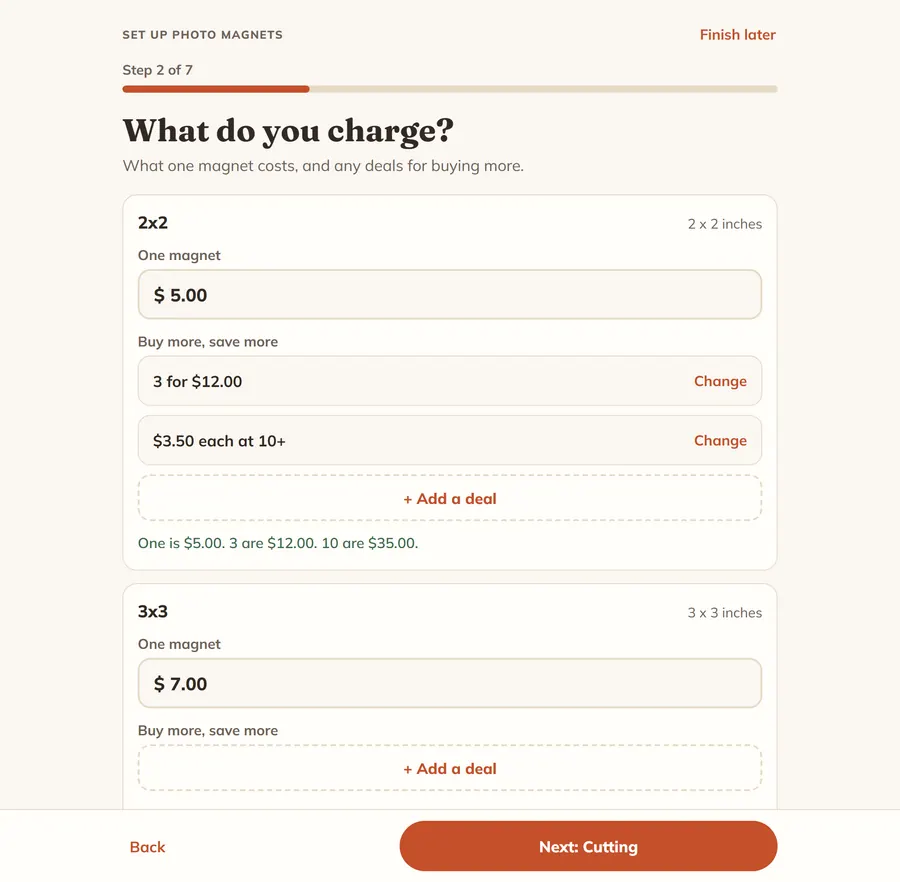
Setup that asks seven questions
Sizes, prices, how you cut them, getting paid, what goes on your page, the look, and a few words of your own. One question a screen, saved as you go, and Back always works.
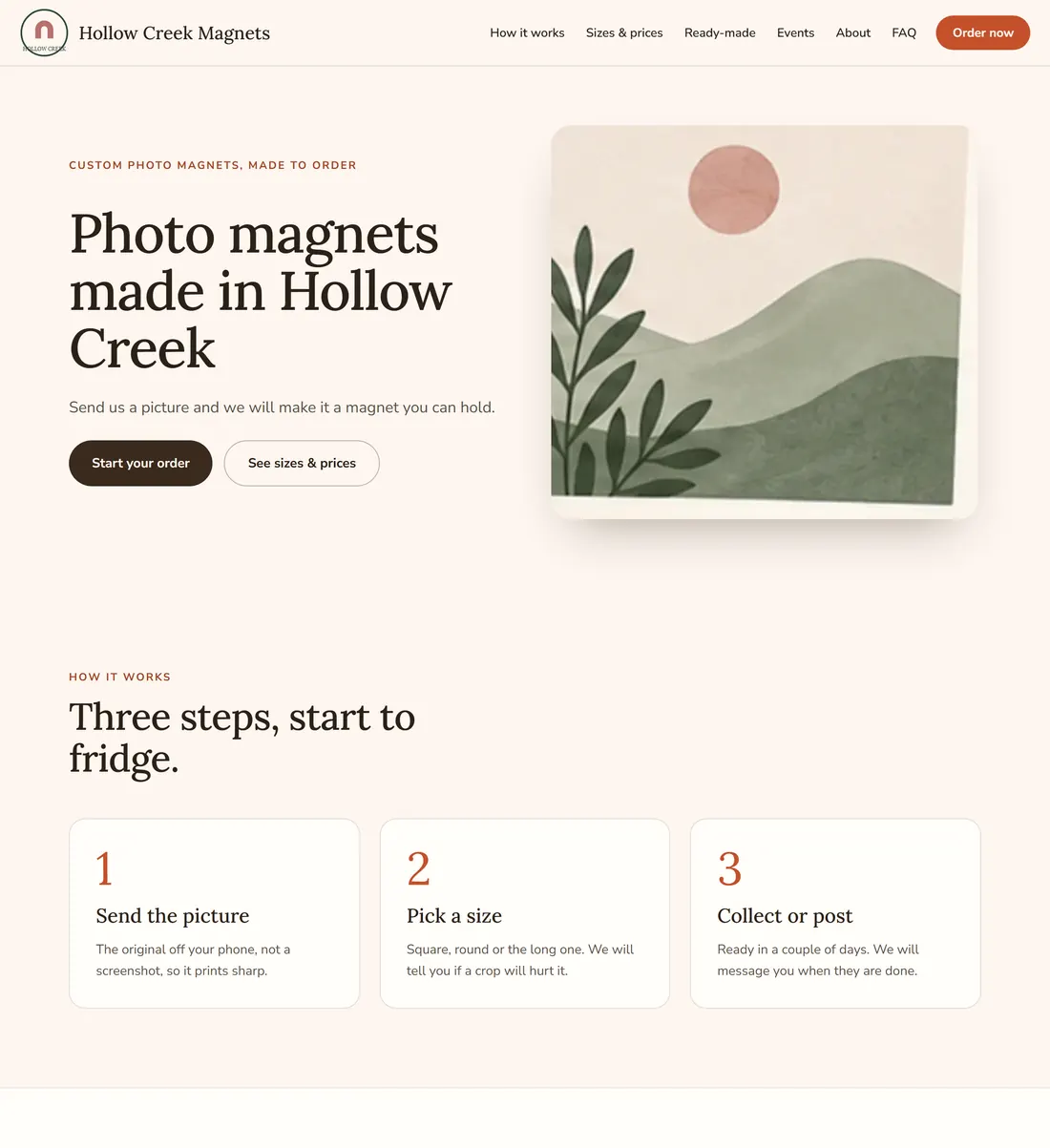
A website for the magnet side
Pick a look, choose which bands the page carries, write the words. Sizes and prices, how it works, your shows, a gallery, questions, and a way to reach you.
Drawn in inches, not pixels, on a page set to Letter with no margin. Printed at Actual Size that is your die's geometry. The turned slots are handled: the 2.5x3.5 sheet fits five by laying two on their side, and the picture turns with the slot.
A line printed at exactly one inch, with a note to measure it before cutting. If it is not an inch, the printer scaled the page and the tool tells you what to change.
On while you check the layout, and printed too if you want them on the sheet.
A sheet is one press cycle whether it carries one magnet or nine. Drop one of your own stock pictures into a spare slot, or let a magnet from another order ride along. It prints with its own order number beside it, so it lands in the right bag after the punch.
Ruin one at the punch and it goes onto a reprint sheet, which the next order can share. It never counts against what the order still owes.
PDF or TIFF, the photographs converted to CMYK through a color profile at 300 or 600 dpi, with the web address and the cut marks in rich black. RGB too, for home printers.
Keep your own stock pictures in a gallery, list one for sale, and it sells like anything else in your shop, stock and options and all.
A storefront with cart and checkout, a listing in the local directory people search by town, an orders board, and payments through your own account.
The press library
One entry for each press and each size. Every entry is measured off the real template, because two shops making the same size magnet do not necessarily punch it on the same machine.
- 2x2 inches6 to a page
- 3x3 inches4 to a page
- 2.5x3.5 inches5 to a page
Letter and A4 paper. Both pages of the template, bleeding area and image area only, so you choose whether the picture wraps the edges.
- 1" round35 to a page
- 1.25" round24 to a page
- 1.5" round20 to a page
- 1.75" round12 to a page
- 2.25" round6 to a page
- 3" round4 to a page
- 3.5" round2 to a page
- 4" round2 to a page
Letter and A4 paper. Measured page by page.
- 2x2 inches6 to a page
Letter and A4 paper. Measured page by page.
- 2.5x2.5 inches6 to a page
- 2.5x3.5 inches4 to a page
Letter and A4 paper. Both pages of the template, bleeding area and image area only, so you choose whether the picture wraps the edges.
- 2.25" round8 to a page
Letter and A4 paper. Measured page by page.
Send us your press template. We measure it, add it to the library, and your sheets come out on your own geometry. It is free, we do not drag our feet, and you carry on taking orders while we do it. In setup you pick My own press for that size and we take it from there.
What it costs
Nothing extra. Photo Magnets is part of the normal plan.
What it does not do yet
Better you read it here than find it on a Saturday night.
- Sheets exist for Titan, American Button Machines, Memory Magnets, Enters and Fridge Flair dies today. Any other press is added from your own template, measured by us, free. Until it is measured you can still sell that size and take the orders; the layout for it is yours.
- No print sheet for 1.5x1.5, 1.75x2.75, 2x3, 1.5x4.5, 0.875" round, 2" round, 2.5" round, 6" round yet. Those are not on any press guide we have measured, so there is no layout for them yet. They sell and order like any other size; laying them out is still your job until a template turns up.
- Every sheet in the library is Letter and A4 paper. Nothing else has been measured.
- The CMYK print file uses the GRACoL 2013 (CRPC6), coated profile. It is a standard for coated paper and it is not tuned to your printer. If your print shop asks for a particular profile, tell us which one.
You make the magnets.
We will do the layout.
Signing up from this page switches Photo Magnets on for you. On the signup page the plan is still labelled Directory + Shop. Questions first, or want to send a press template before you decide? Email allen@localibuy.com.